Before, during, and after checklist
A printable checklist covering promotion, sign-in testing, visitor requests, and follow-up.
Download checklistFree practical resources
Prepare the invitation, test visitor sign-in, and plan personal follow-up. Download these resources without creating an account.
A printable checklist covering promotion, sign-in testing, visitor requests, and follow-up.
Download checklistAnnouncement, reminder, and recap captions with placeholders for your verified property details.
Download captionsA printable page for recording the request, agreed contact method, owner, due date, source check, and completion. No visitor information is prefilled.
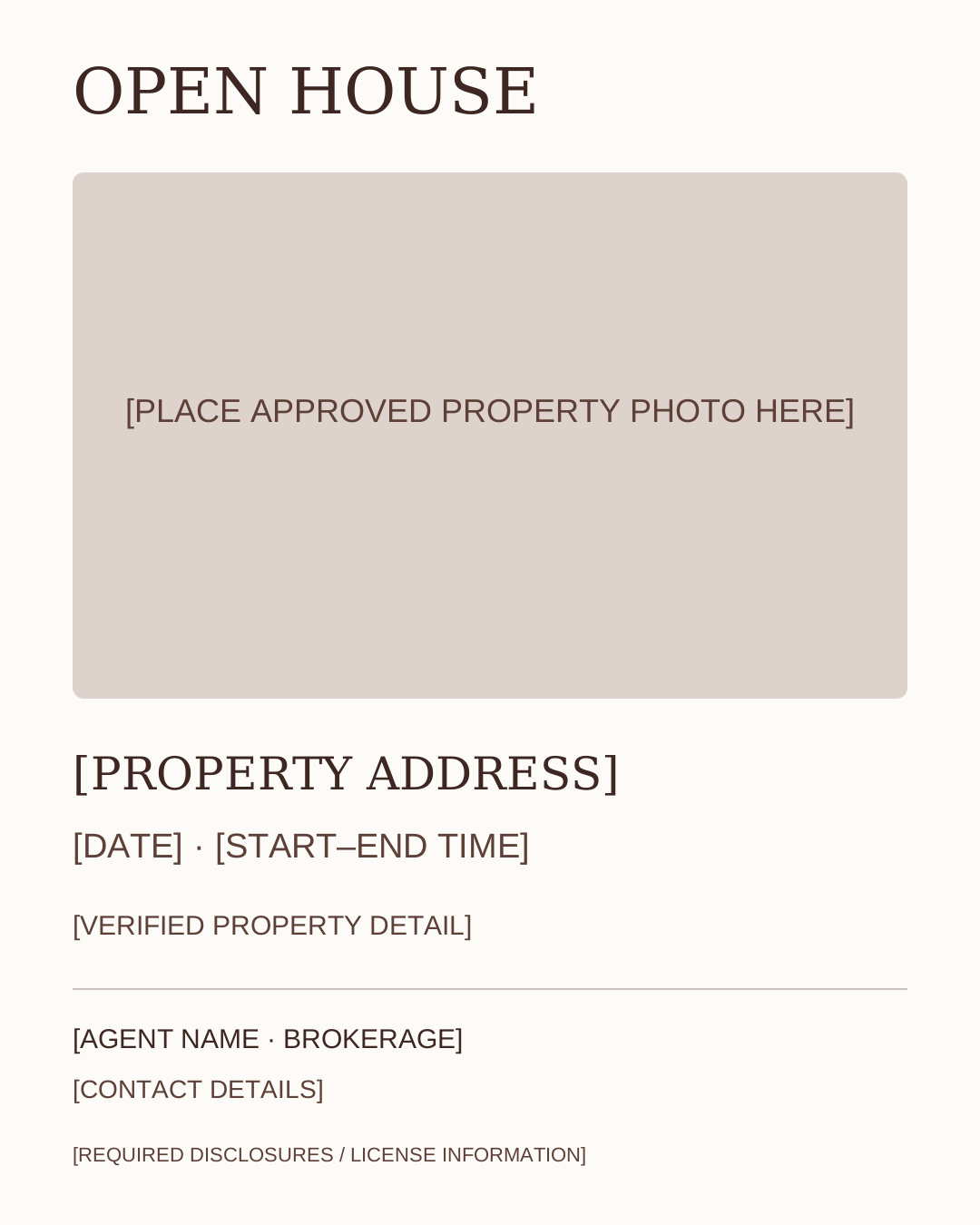
Read or print worksheetA 1080 × 1350 SVG with a photo area, event details, and agent identification. Open it in a vector editor, replace the placeholders, and export an image.
Download templateYour visitor scans the event QR code, opens the form in their browser, and submits the information they choose to share. You review the record and carry out the requested follow-up.
Explore open house sign-inContact details belong in your private workspace. These downloads contain example placeholders only.
Fictional example: a visitor asks for an approved floor plan by email on Monday. On the worksheet, record that request and the agreed delivery date. Set the next action to “Check and send approved floor plan,” give it an owner, and verify the document before sending it through your own email tool. Record completion only after sending.
The worksheet is a planning aid. It does not collect consent, check an email address, connect to your REMC records, or send a message. For a real visitor, use your private record reference rather than putting personal contact details into public examples. If no follow-up was requested, leave the action blank.
If you have no listing or event this week, skip the invitation. Use a viewing-preparation checklist or a general process explanation from the free four-week calendar. Every slot includes a listing-free alternative.
Choose a 2-, 3-, or 5-post calendarOrganize the event, lead notes, and next actions. Free includes the Open House campaign, one open house, up to 15 active leads, and one generated social calendar month. That month does not refresh each month. Eligible Canva assets come from the free campaign and your claimed calendar. Premium adds the other campaigns, unlimited open houses and active leads, ongoing monthly calendars, custom lead forms, lead import/export, and the full published template library.
Create a free account